> For the complete documentation index, see [llms.txt](https://stack.sylius.com/llms.txt). Markdown versions of documentation pages are available by appending `.md` to page URLs; this page is available as [Markdown](https://stack.sylius.com/cookbook/admin_panel/grid_export.md).
# Exporting grid data
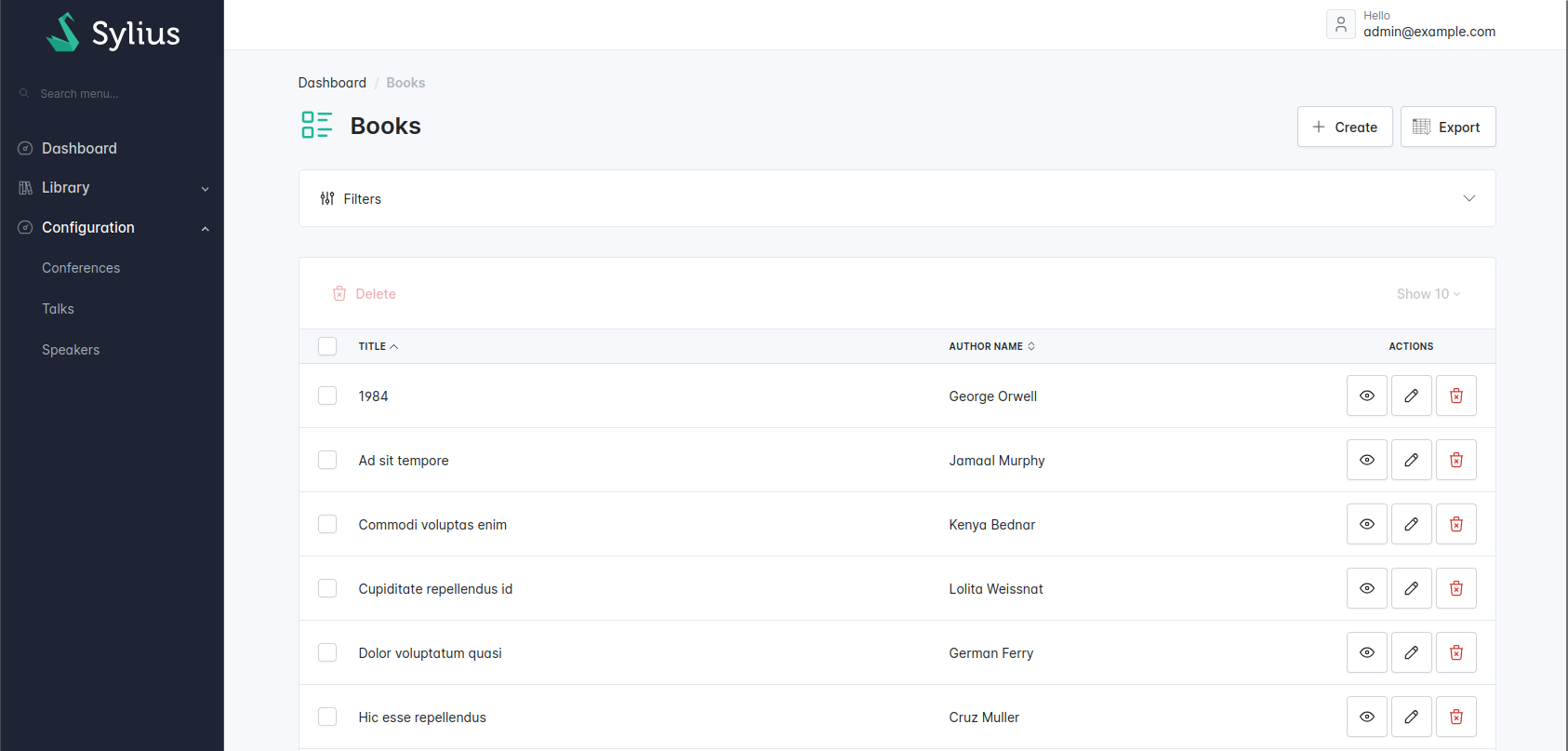
In this cookbook, we assume that you have already created a `Book` resource and configured a grid to show a book list.
In this example, we'll create a CSV export.
## The responder
First, create the responder using the [https://github.com/thephpleague/csv](https://github.com/Sylius/Stack/tree/main/docs/cookbook/admin_panel/league/csv/README.md) package.
{% code title="src/Responder/ExportGridToCsvResponder.php" lineNumbers="true" %}
```php
sortFields($data->getDefinition()->getFields());
$this->writeHeaders($writer, $fields);
$this->writeRows($writer, $fields, $data);
});
$response->headers->set('Content-Type', 'text/csv; charset=UTF-8');
$response->headers->set('Content-Disposition', 'attachment; filename="export.csv"');
return $response;
}
/**
* @param Field[] $fields
*/
private function writeHeaders(Writer $writer, array $fields): void
{
$labels = array_map(fn (Field $field) => $this->translator->trans($field->getLabel()), $fields);
$writer->insertOne($labels);
}
/**
* @param Field[] $fields
*/
private function writeRows(Writer $writer, array $fields, GridViewInterface $gridView): void
{
/** @var PagerfantaInterface $paginator */
$paginator = $gridView->getData();
Assert::isInstanceOf($paginator, PagerfantaInterface::class);
for ($currentPage = 1; $currentPage <= $paginator->getNbPages(); ++$currentPage) {
$paginator->setCurrentPage($currentPage);
$this->writePageResults($writer, $fields, $gridView, $paginator->getCurrentPageResults());
}
}
/**
* @param Field[] $fields
* @param iterable